Warning
This documentation is in active development. Content is being updated as feedback is reviewed. Your patience is appreciated.
Submit documentation feedback with the widget at the bottom-left of this window or by emailing [email protected].
Open a support ticket with the widget at the bottom-right or by emailing [email protected].
Show Notes
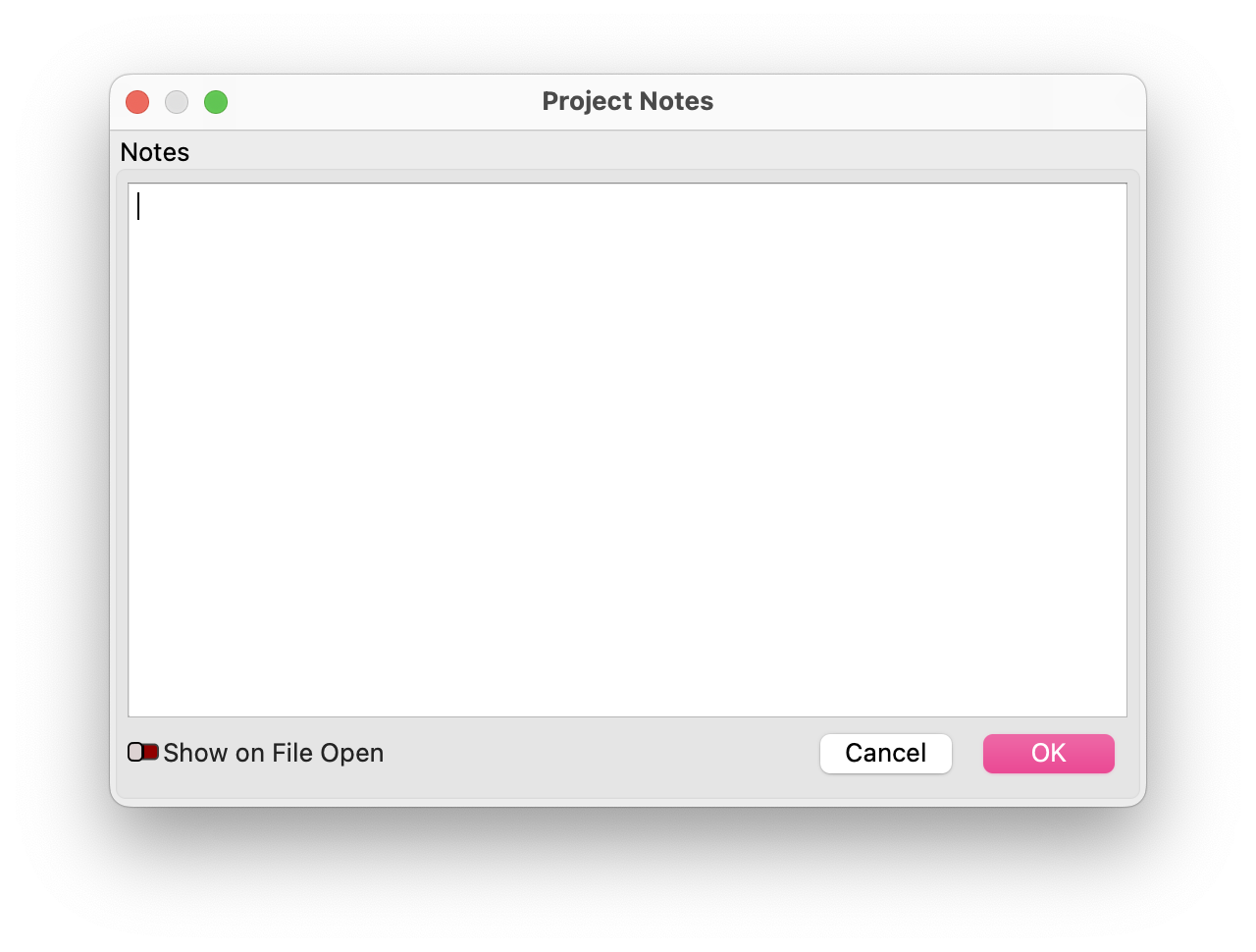
Project Notes allows you to add, edit, and view notes for a project. This is often useful for MillMage project files that will be shared with others, or to store related information for working with a project in the future. Include as many details as needed — the Project Notes window supports a significant amount of plain text information.
Notes
Edit the Notes area by typing into the text box and clicking OK to save. Press Cancel to discard any changes and close the window.
Show On File Open
Enable the Show on File Open toggle to show the Project Notes window automatically when the project is opened in MillMage.
LightBurn Video
This video features our sister software, LightBurn. While there may be slight differences in appearance and layout, the demonstrated processes are similar in MillMage.
Related Topics
For more help using MillMage, please visit our forum to talk with MillMage staff and users, or email support.